
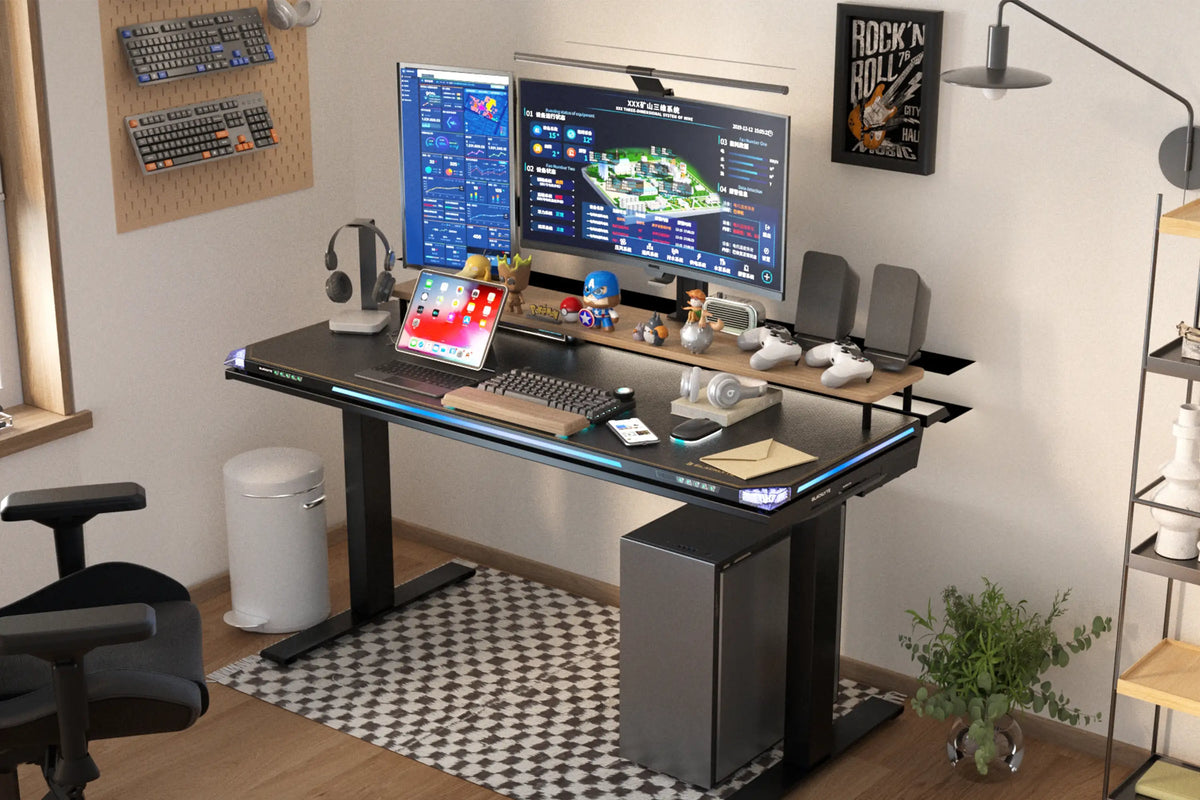
Whether you are grinding ranked matches, streaming to your followers or working from home all week, you probably spend more hours at your desk than anywhere else. That makes your chair, desk and screen position just as important as your graphics card. A setup that looks great but leaves you with a stiff neck and sore lower back is not doing its job.
Blacklyte is a US brand that builds gaming furniture with that in mind. Its range covers gaming chairs, electric standing desks, monitor arms and accessories, all designed to work together and to look the part in a modern battle station. Here is a closer look at the line-up and how to put together a setup that keeps you comfortable for the long haul.
Why Your Chair Matters Most
Sitting for hours puts constant load on your spine, hips and shoulders. A good chair spreads that load, supports the natural curve of your lower back and lets you change position easily. Cheap chairs often look the part but use thin foam that flattens within months, wobbly bases and limited adjustment. Investing in a well-built chair is one of the best things you can do for your comfort and focus.
Blacklyte Kraken Pro: Built for Marathon Sessions
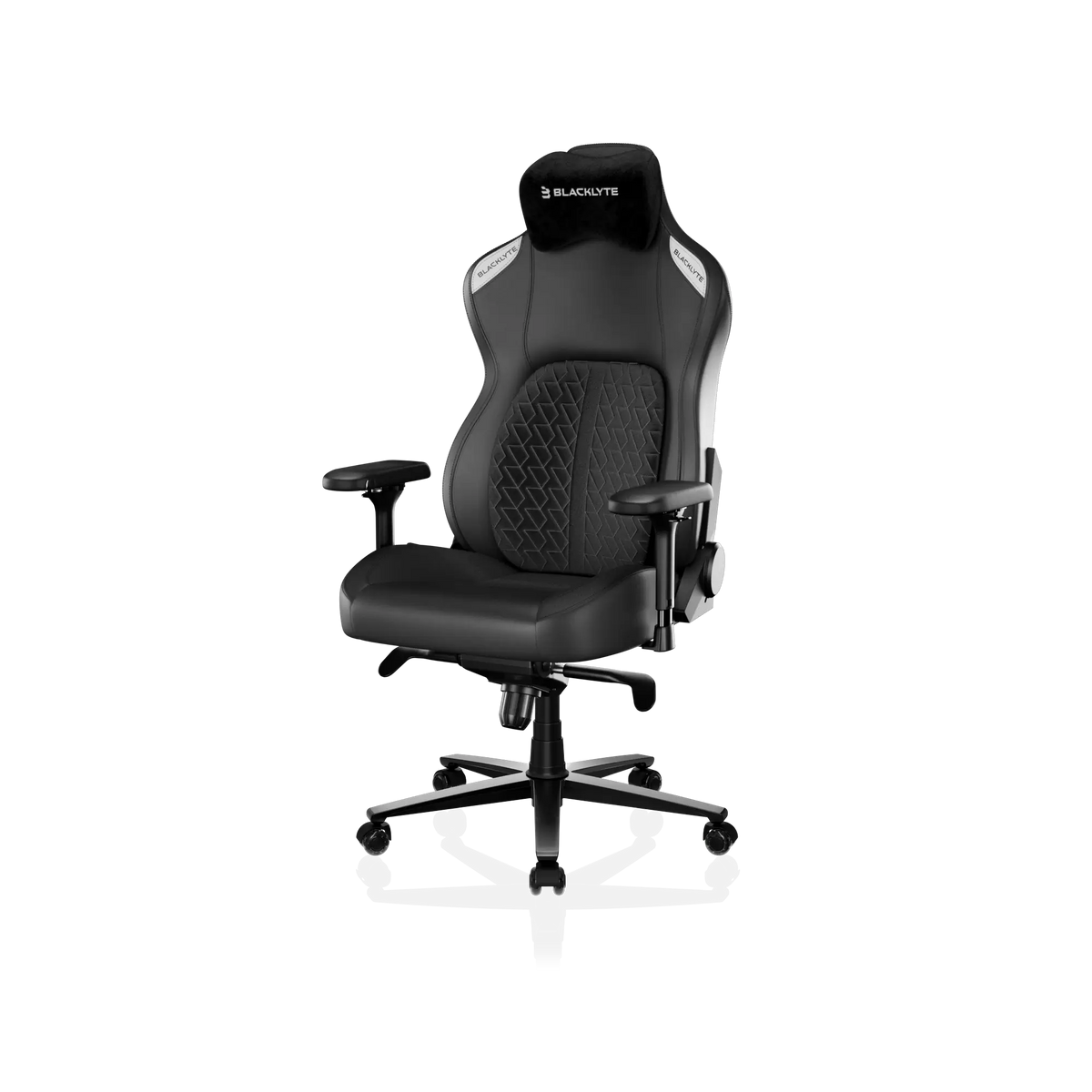
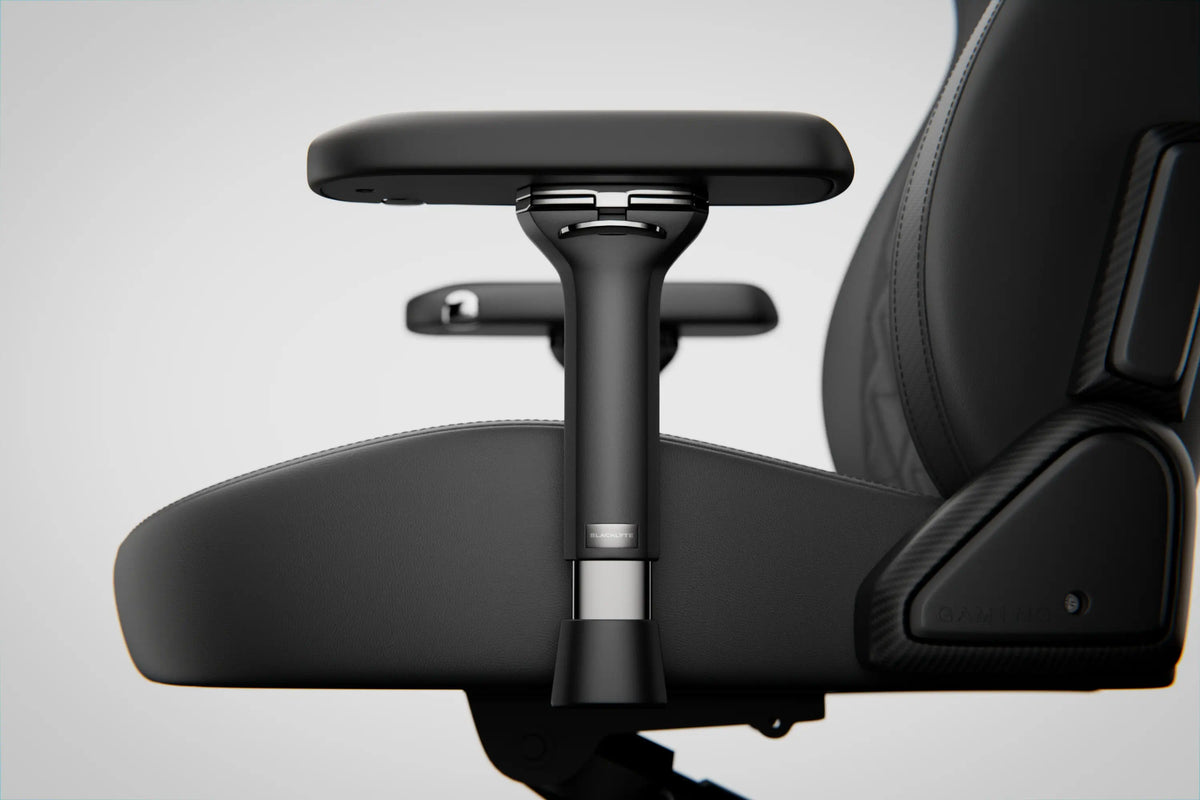
The Kraken Pro is Blacklyte’s flagship gaming chair. It has a wide seat, a tall backrest and a sculpted design that supports the whole back rather than just the lower spine. Dense foam gives a supportive feel that does not sink after a few weeks, while a sturdy base and smooth casters keep everything stable.
Adjustability is where it really shines. You can recline, tilt and fine-tune the seat height to match your desk, and the armrests move in multiple directions so you can position them exactly where your elbows rest when you hold a mouse or controller. Magnetic head and lumbar pillows are available to add extra support where you need it.
Blacklyte Athena Pro: Ergonomics With Style
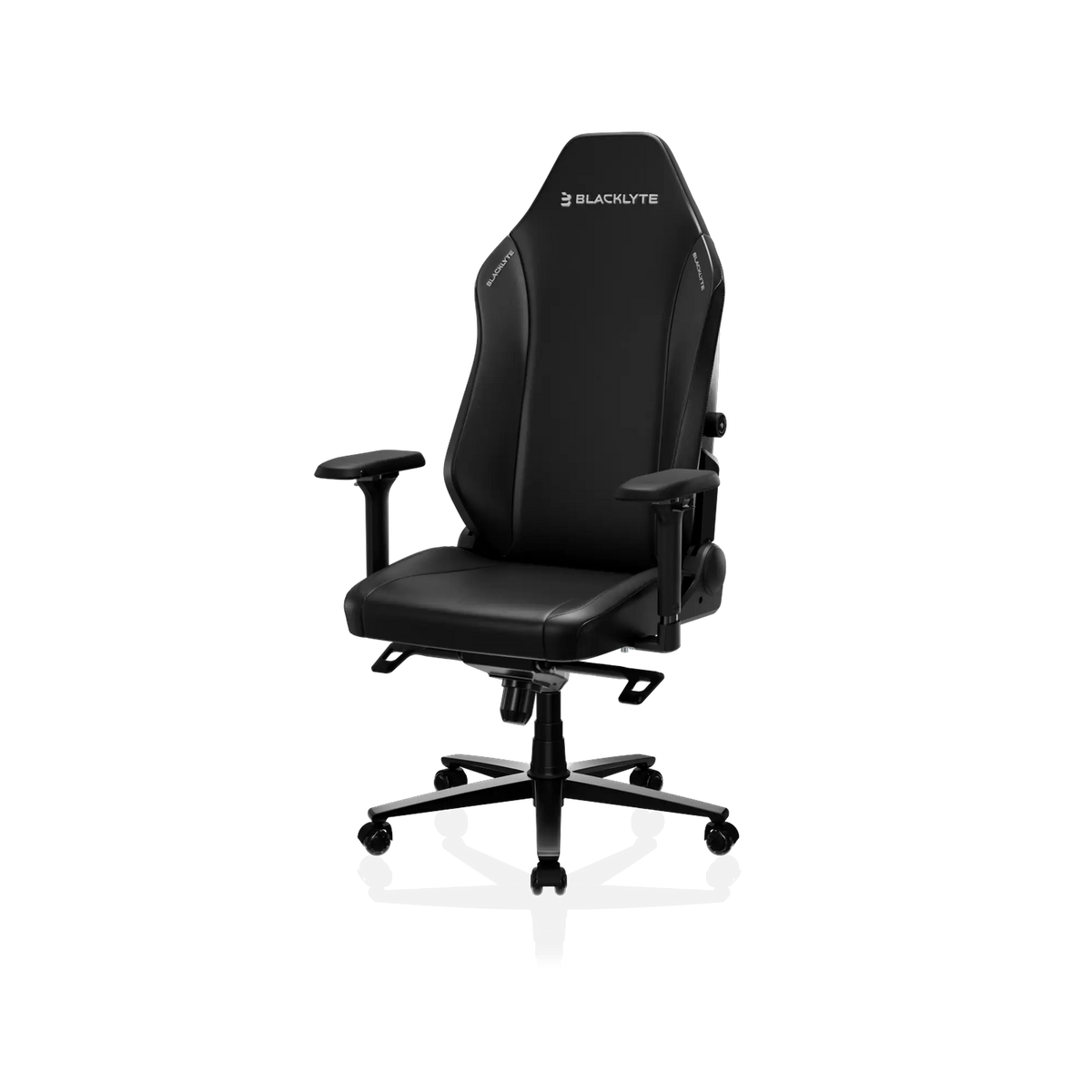
If you want something a little more streamlined, the Athena Pro is worth a look. It keeps the ergonomic features gamers care about, such as adjustable armrests, a reclining backrest and built-in support for the lower back, in a sleek frame that suits both gaming rooms and home offices. It is available in several colours and finishes, including leatherette options that are easy to wipe clean.
Both chairs come with a selection of add-ons, from replacement casters to leather cleaner and conditioner, so you can keep your chair looking new for years.
The Case for a Standing Desk
Even the best chair cannot undo the effects of sitting all day. Health experts increasingly recommend changing position regularly, and an electric standing desk makes that effortless. With the touch of a button you can raise the desk for a few minutes of standing during a loading screen, a meeting or a long read, then lower it again when you are ready to play.
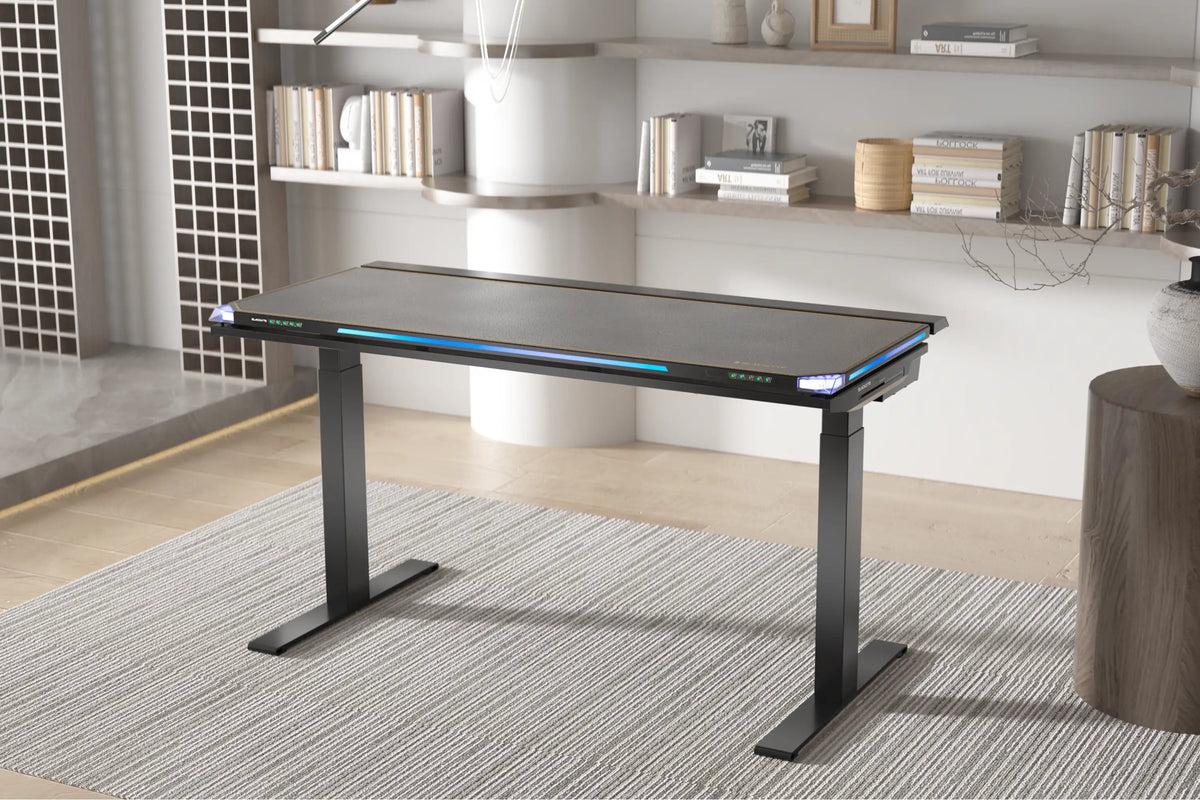
Blacklyte’s standing desks, including the Atlas Lite, use electric motors for smooth, quiet height changes and memory presets so you can return to your favourite positions instantly. Spacious tops give plenty of room for multiple monitors, a keyboard, a large mouse mat and your streaming gear, and some models include built-in RGB lighting to tie your setup together.
Get Your Screens at the Right Height
Neck strain is one of the most common complaints among gamers and remote workers, and it usually comes from looking down at a screen that is too low. Ideally the top of your monitor should sit at or just below eye level, roughly an arm’s length away.
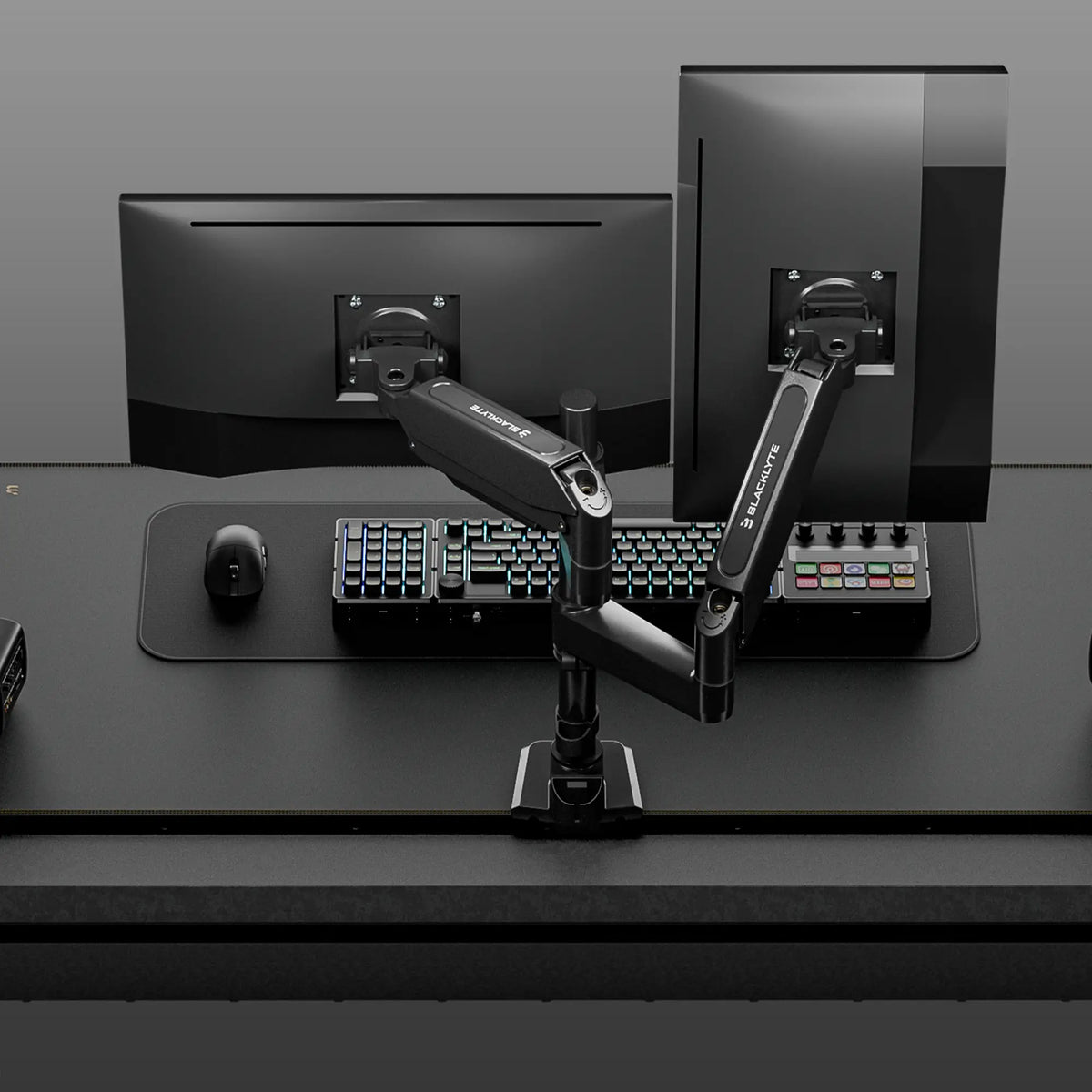
A monitor arm makes that easy. Blacklyte’s Atlas monitor arms clamp to your desk and let you raise, lower, tilt and swivel your screens freely. The dual arm holds two displays side by side, which is perfect for gaming on one screen while keeping chat, a stream or a guide open on the other. As a bonus, lifting monitors off their stands frees up a surprising amount of desk space.
Quick Tips for an Ergonomic Setup
- Feet flat. Adjust your chair so your feet rest flat on the floor and your knees are roughly level with your hips.
- Elbows at 90 degrees. Set armrests and desk height so your forearms sit level while you type or game.
- Back supported. Sit all the way back in the chair and use lumbar support to keep your lower back curved.
- Screens at eye level. Use a monitor arm to raise displays so you are not looking down.
- Move often. Stand, stretch or walk around every 30 to 60 minutes.
Accessories That Finish the Look
Blacklyte also offers a growing range of accessories, from glass and cloth mouse pads to wireless chargers, power strips and even pixel art LED displays. These small additions help keep cables tidy and give your setup a polished, cohesive look that is ready for the camera if you stream.
Is Blacklyte Worth It?
If you spend serious time at your desk, quality furniture is an investment in your health as well as your performance. Blacklyte’s mix of solid build quality, deep adjustability and modern design makes it a strong option for gamers and home workers who want a setup that feels as good as it looks. Start with the chair, add a standing desk and monitor arm when you are ready, and you will notice the difference after your very first long session.
Ready to upgrade your battle station? Explore the full Blacklyte range and find the chair, desk and accessories that suit the way you play and work.
Frequently Asked Questions
Are Blacklyte chairs good for people who are not gamers?
Yes. The ergonomic features that help gamers, such as lumbar support, adjustable armrests and reclining backrests, are just as useful for remote workers, students and anyone who spends long hours at a desk.
Which Blacklyte chair should I choose?
The Kraken Pro suits people who want a larger seat and maximum support for marathon sessions, while the Athena Pro offers a sleeker frame with the same core ergonomic adjustments.
Do I really need a standing desk?
It is not essential, but alternating between sitting and standing through the day can reduce stiffness and help you stay alert, and an electric desk makes switching effortless.
